Editor’s Note: This post references AcuGraph 5, which has been succeeded by AcuGraph CS. The clinical concepts discussed remain applicable to current practice.
In this video, we are going to show the herbal portion of the AcuGraph and how to include herbs in your treatment plan. When you are looking at a graph you can click on the Herbs tab up at the top to see the herbal recommendations for the graph.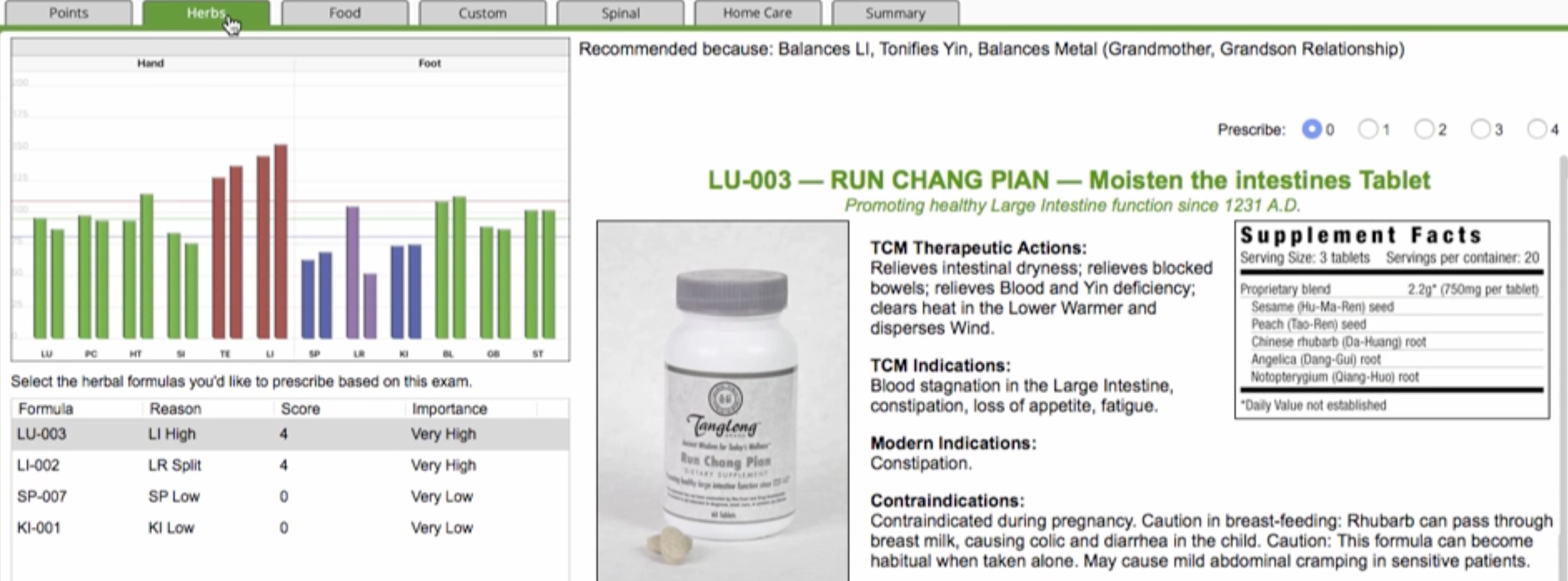 Here you will a list of recommendations and a score for each one. The higher the score, the more likely that particular herbal formula is applicable to the graph.
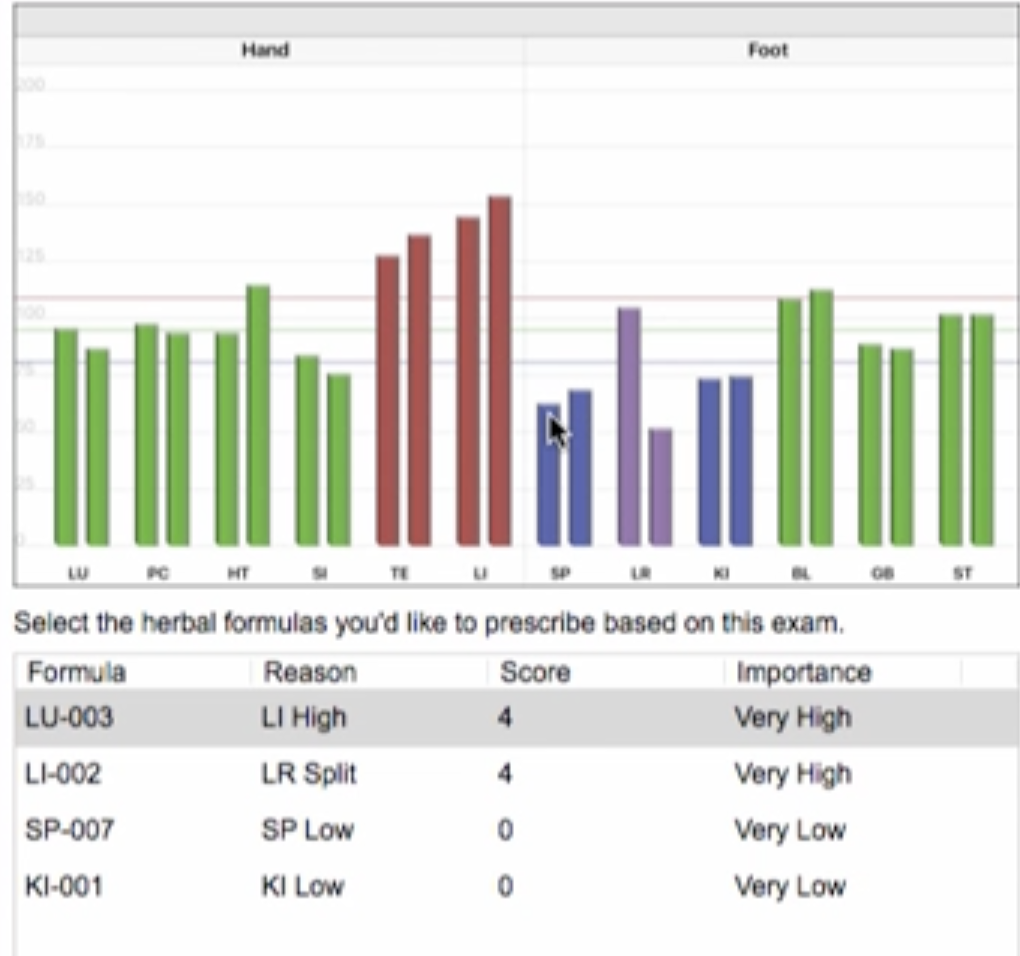
What You Can Do in Herbs Section
You can select any formula to reveal Therapeutic Actions, Indications, Contraindications, Comments and even the Ingredients for the recommended Chinese Patent formula. Information can be used to give you an even better idea of which formula might be the most appropriate to prescribe for your patient.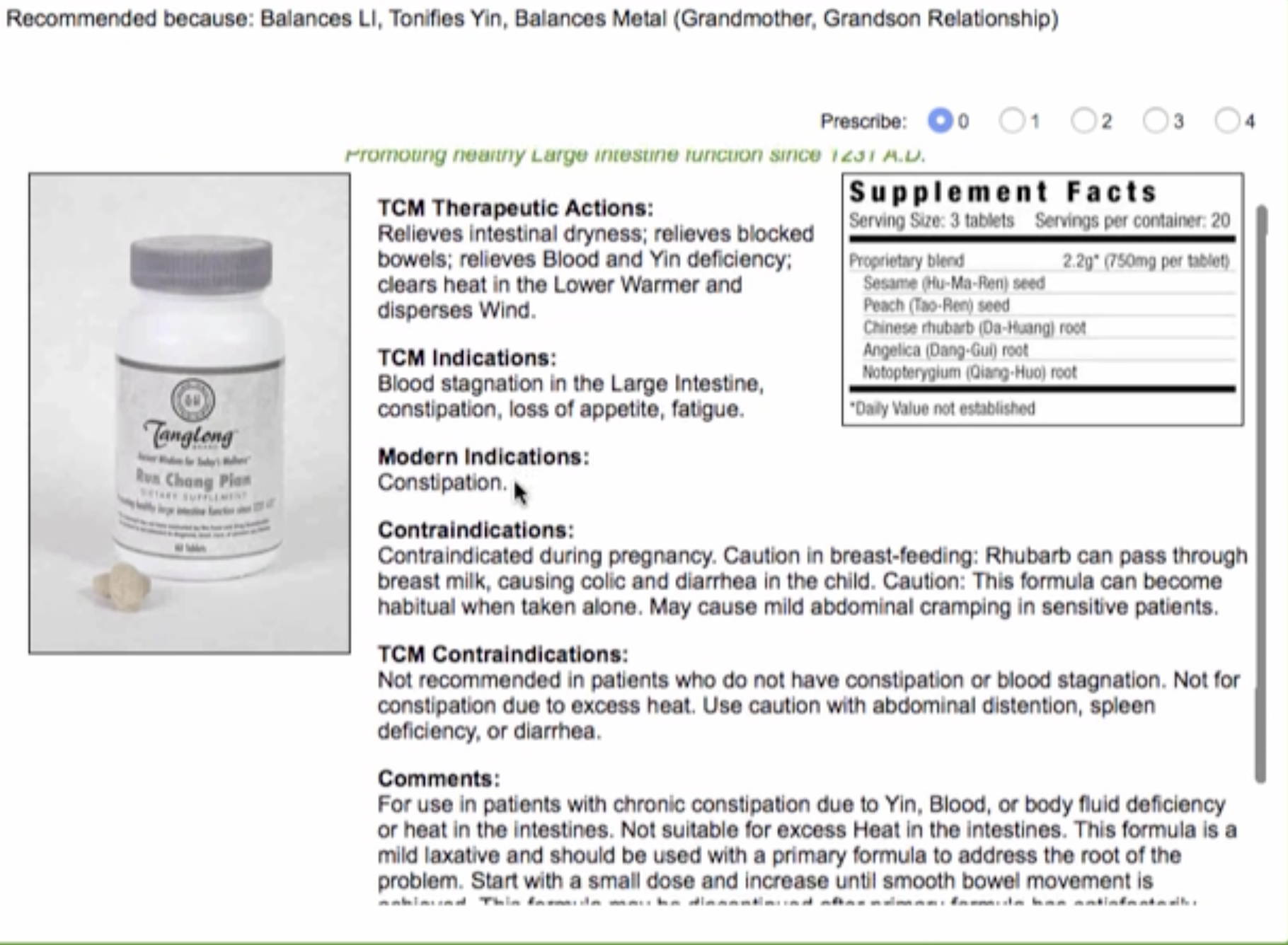 Once you’ve chosen the formula you want to prescribe, simply select the number of bottles.
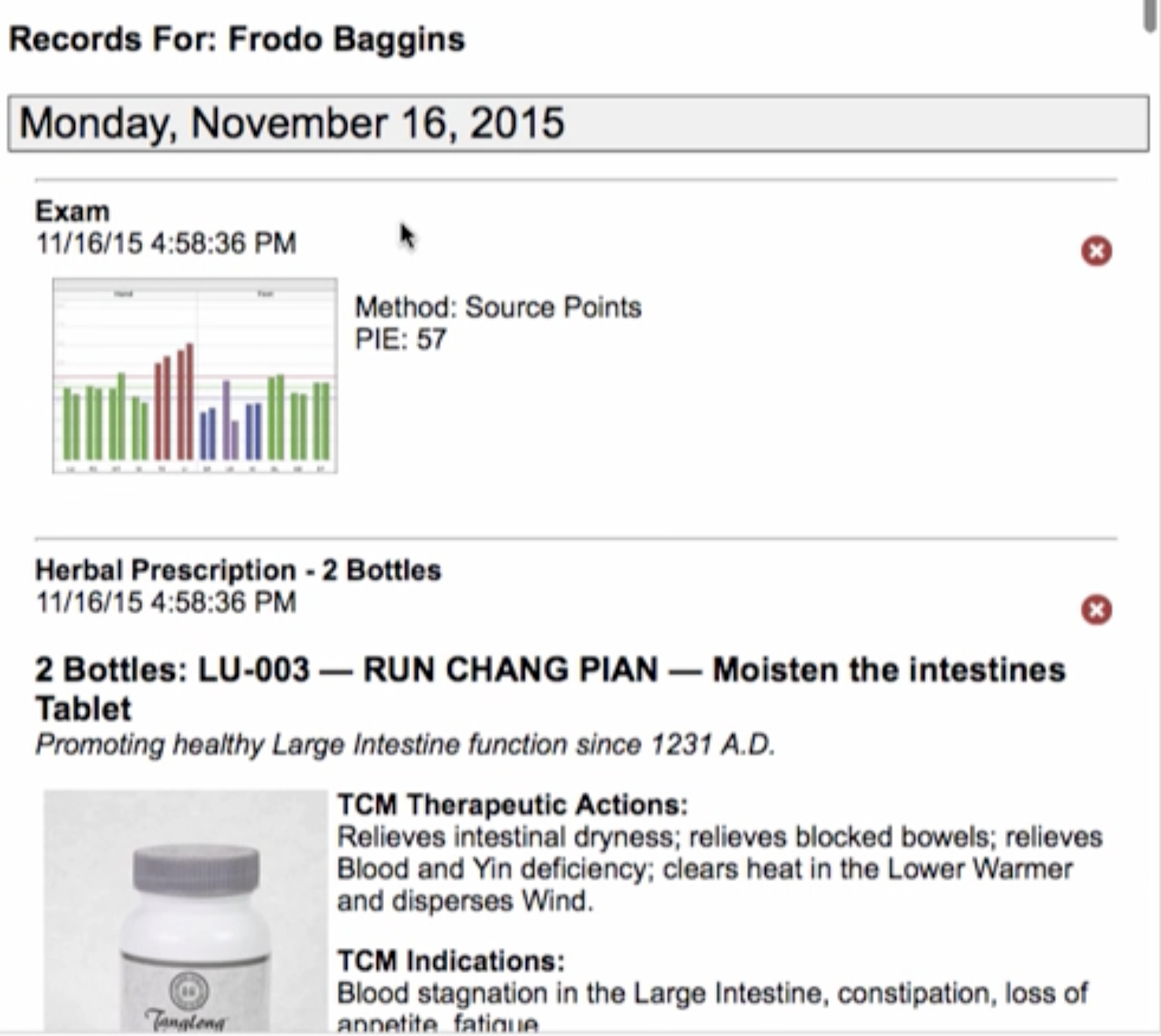
 On the Patient File, you will now see that it has made a note that you prescribed this formula for the patient and the information is included in your patient’s file as a history item. This gives you immediate access to past prescriptions and recommendations for the patient, with quick access for review prior to your next visit.
Preparing the Report
Also, when you make a prescription for your patient, the software will automatically add this as an item the patient needs to follow-up on at home. Click Home Care tab at the top of the graph window and you will see how this is handled. Here you can see that herbal prescriptions are showing as a Home Care item for this patient on this graph.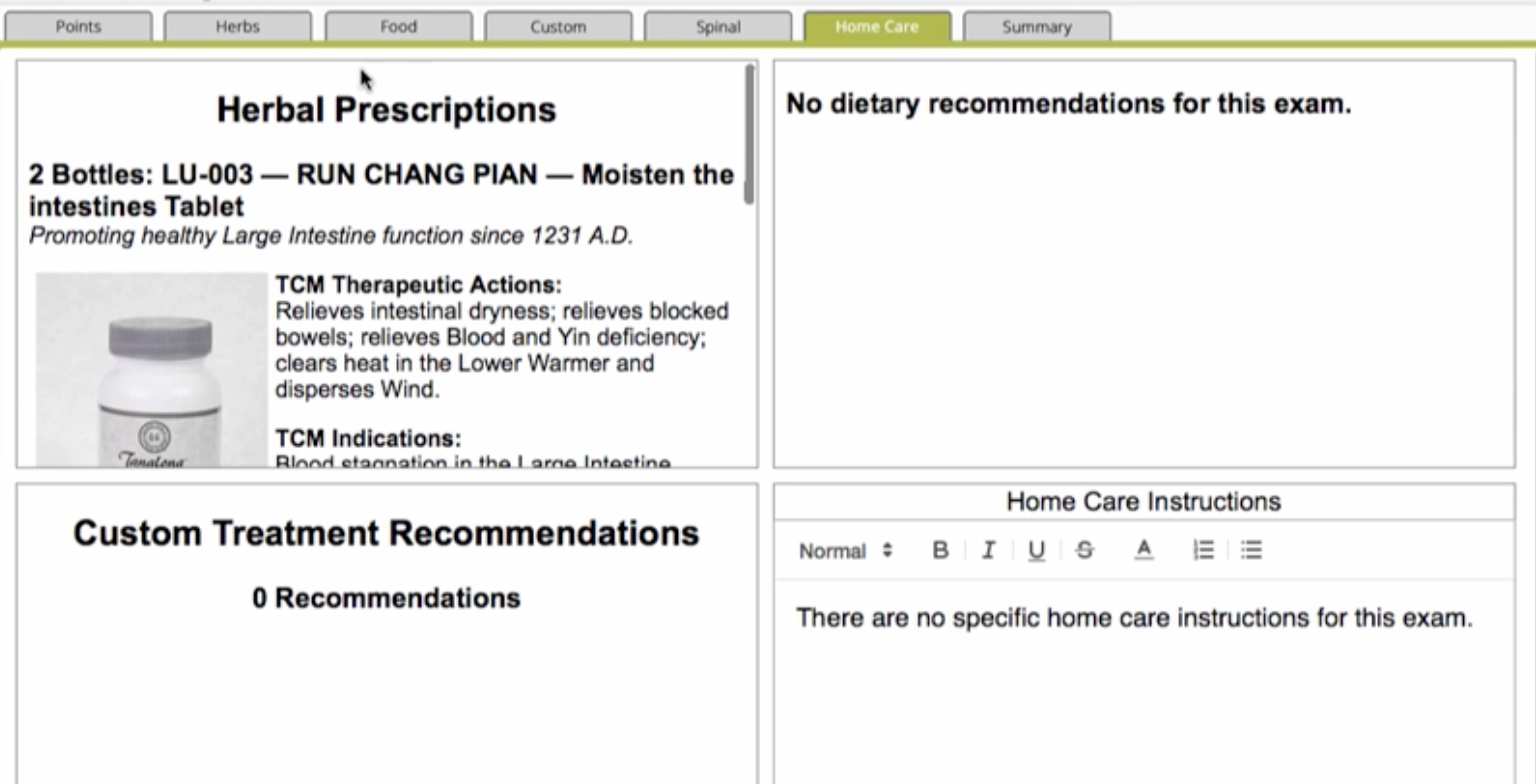 When you’re ready to print your report for your patient, include the herbal prescription line item to have a full herbal report included on your printout.
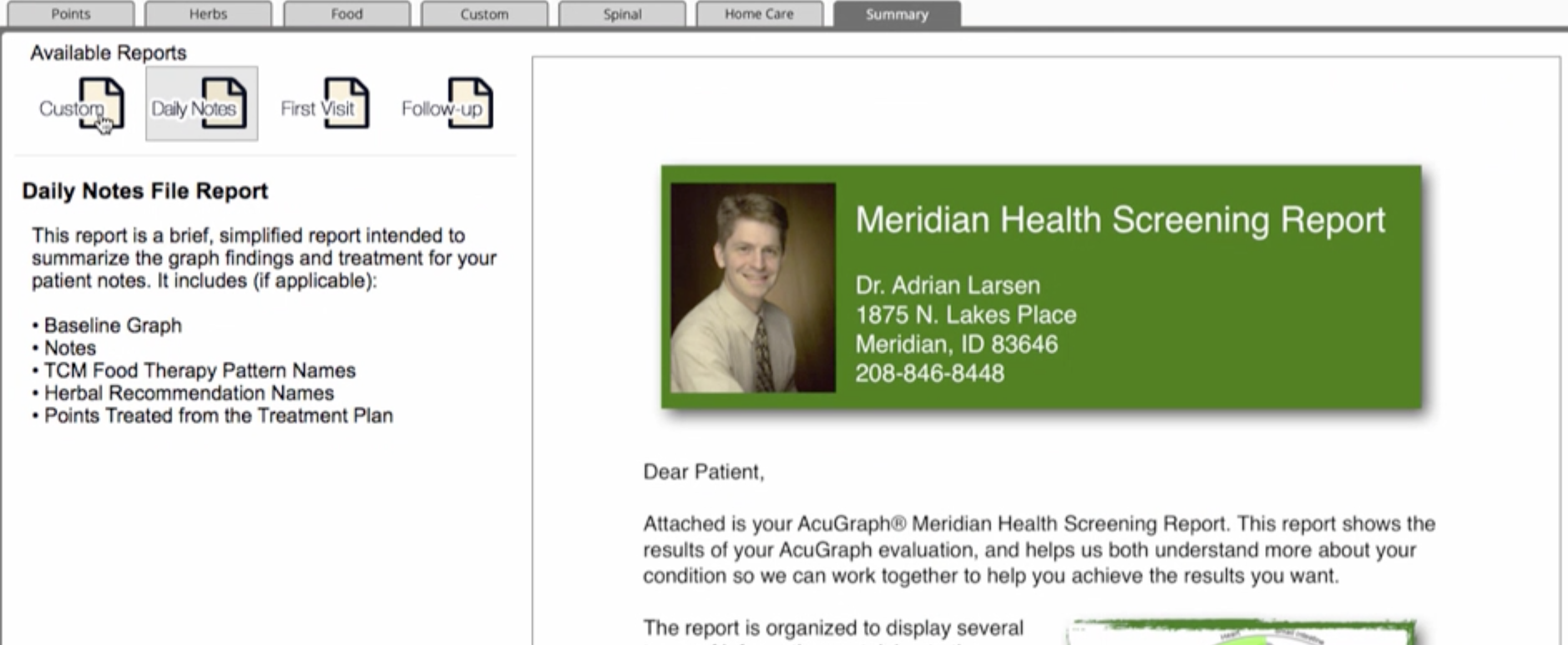
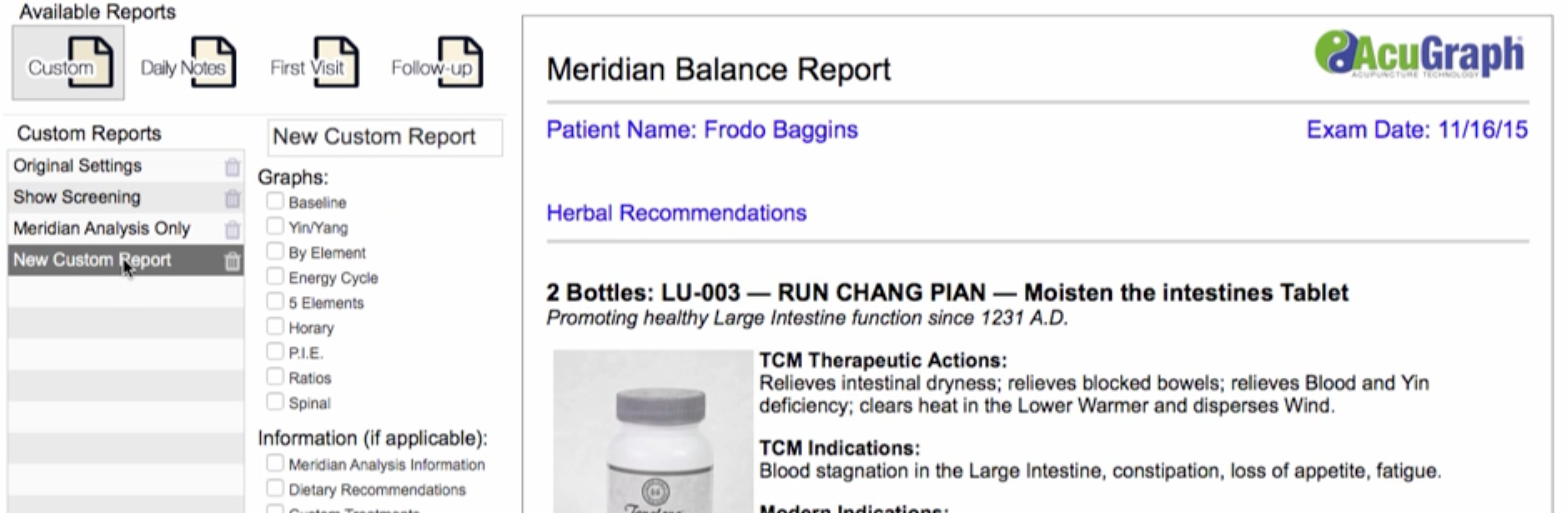 That’s how you use Herbal Prescriptions in AcuGraph 5! If you want to use your own herbal formulas instead of these Chinese Patent Formulas, you can do that under custom treatments, where you can set up specific formulas for your own recommendations. If you used the built-in herbs from AcuGraph it’s just as simple as from choosing the formulas from the recommendations, selecting the number of bottles and it’s ready to go. AcuGraph will track it all for you!